Introduction to Clawdbot AI and Mac Mini
In an era where efficiency and productivity are paramount, personal AI assistants have become essential tools for individuals and businesses alike. Among the plethora of options available, Clawdbot AI stands out as a self-hosted, open-source solution that not only caters to diverse user needs but also emphasizes privacy and customization. Running seamlessly on devices like the mac mini, Clawdbot AI offers an innovative way to streamline daily tasks while safeguarding user data. This article delves into the features, installation methods, and the many advantages of integrating Clawdbot with a Mac mini, illustrating how these powerful tools can transform workflows.
What is Clawdbot AI?
Clawdbot AI is an advanced personal assistant designed to automate various administrative and operational tasks. As an open-source platform, it allows users not only to benefit from cutting-edge AI capabilities but also to tailor the software to fit their unique workflows. Clawdbot can effectively manage emails, schedule appointments, and interact with multiple messaging platforms, including WhatsApp, Telegram, and Discord. Its powerful integration capabilities and extensibility make it suitable for a wide array of applications, from personal use to enterprise-level solutions.
Why Choose Mac Mini for Clawdbot?
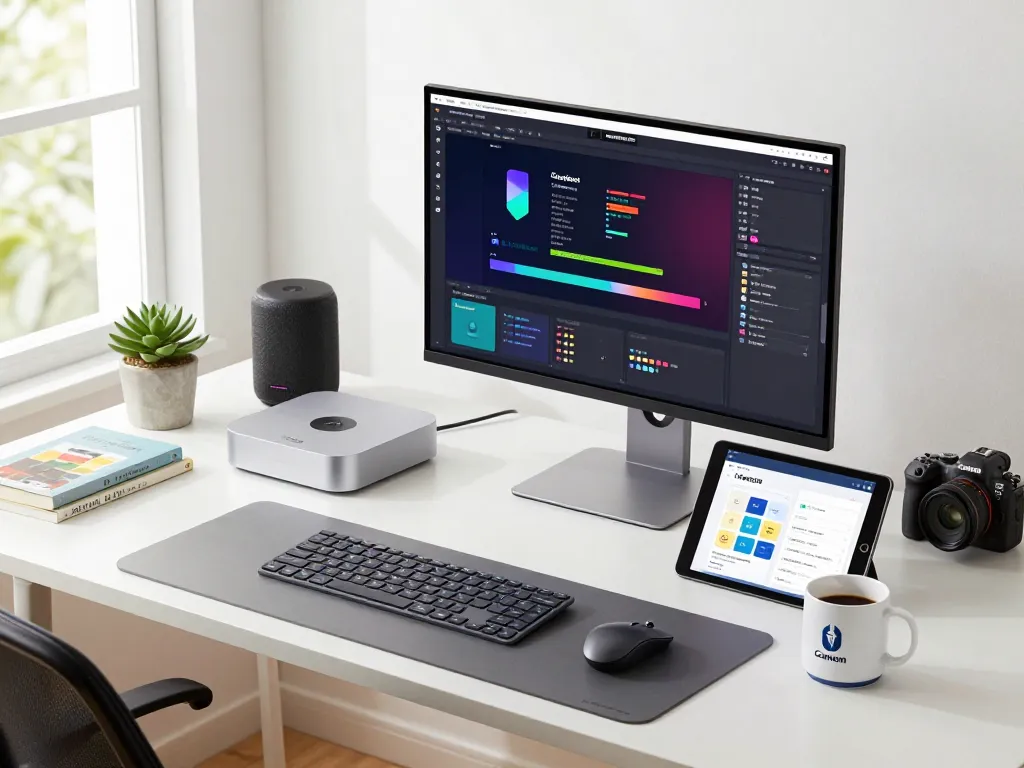
The Mac mini has rapidly gained popularity as an ideal platform for running Clawdbot AI, thanks to its compact design, energy efficiency, and robust performance. Powered by Apple’s M-series chips, the Mac mini offers the processing power necessary to handle complex tasks without the need for extensive hardware investments. Additionally, its ability to operate efficiently while maintaining a small footprint makes it a perfect choice for users looking to create a personal AI assistant environment that is both powerful and unobtrusive.
Key Features of Clawdbot AI
- Universal Chat Integration: Connects seamlessly with over 100 messaging platforms, allowing users to manage conversations effortlessly.
- Contextual Memory System: Learns from user interactions to provide increasingly personalized experiences.
- Web Automation: Able to navigate websites, fill out forms, and interact with web applications automatically, freeing users from repetitive tasks.
- Deep System Integration: Offers the ability to execute terminal commands and manage files directly through chat.
- Extensible Architecture: Users can enhance functionality through community-built skills or develop their own custom plugins.
Setting Up Your Mac Mini for Clawdbot AI
System Requirements and Compatibility
Before diving into the installation process, it’s crucial to ensure your Mac mini meets the necessary system requirements. Depending on the version of Clawdbot AI you choose, you’ll need an operating system version of macOS 14 or later. Here are the primary hardware specifications recommended:
- Processor: Apple M1 or M2 chip recommended for optimal performance
- RAM: Minimum of 8GB, although 16GB is recommended for more intensive tasks
- Storage: At least 256GB SSD for fast data access and storage
Compatibility extends beyond just hardware; Clawdbot can run on various operating systems including Windows and Linux, allowing users greater flexibility in their setups.
Installation Processes for Various Platforms
Installing Clawdbot AI on your Mac mini can be accomplished through various methods, depending on your comfort level with technology. Here are the recommended installation methods:
- One-liner (macOS/Linux): A simple terminal command that automatically installs Clawdbot across compatible systems.
- One-liner (Windows PowerShell): For Windows users, a straightforward command is available for installation.
- One-liner (Windows CMD): Another quick installation option for CMD users.
- npm Package: Ideal for those familiar with Node.js, allowing an npm-based setup.
- pnpm Package: Offers faster package management for Node.js users.
- Hackable (Git Clone + Installer): Perfect for those wanting to modify source code after installation.
- Hackable (Git Clone + pnpm Build): For advanced developers wishing to build the project from the source.
- macOS Companion App (Beta): Offers a menu bar access to Clawdbot functionalities.
Opting for Self-Hosting: Benefits Explored
One of the standout features of Clawdbot AI is its self-hosting capability, which provides users with complete control over their data. Unlike traditional subscription-based services, self-hosting minimizes ongoing costs, allowing users to pay only for API usage. This model not only enhances privacy but also reduces potential security risks associated with cloud solutions. Additionally, users can fine-tune their setups according to their specific needs, adapting the AI’s functionalities as their workflows evolve.
Enhancing Productivity with Clawdbot
Integrating with Popular Messaging Platforms
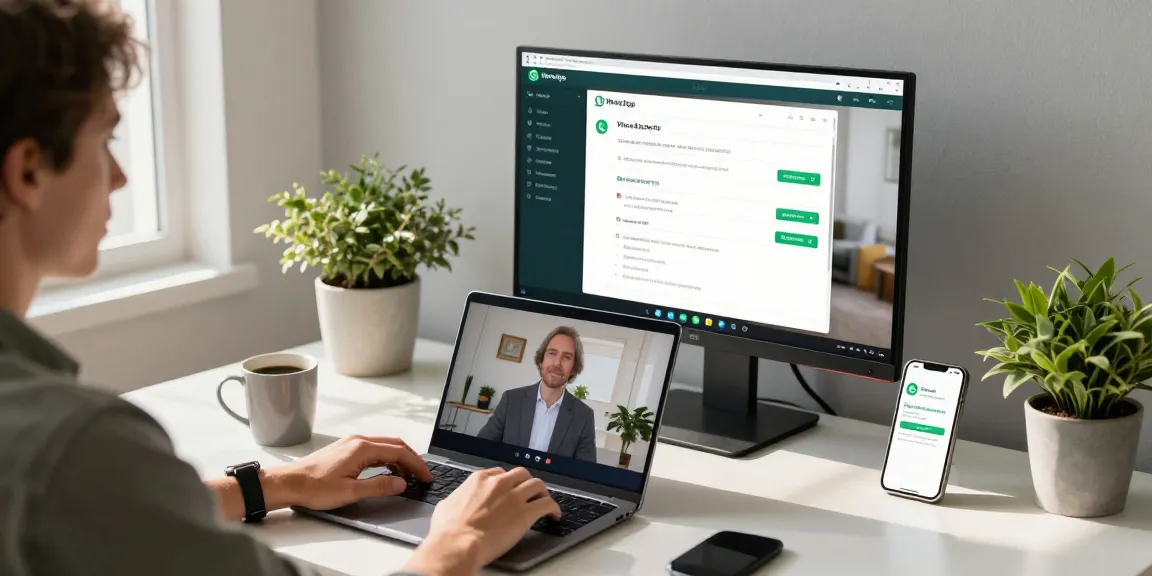
Clawdbot AI’s ability to integrate with over 100 platforms makes it a versatile tool for communication. Whether you’re managing client queries via WhatsApp or collaborating with team members on Slack, Clawdbot ensures that your assistant is always within reach. This universal compatibility allows you to centralize your communications, making it easy to stay informed and responsive without the need to switch between multiple apps.
Automating Daily Tasks and Workflows
Automation lies at the heart of Clawdbot AI’s functionality. By leveraging its capabilities, users can automate routine tasks such as email sorting, scheduling meetings, and even generating content. This significant reduction in manual workload not only saves time but also minimizes the risk of human error, allowing users to focus on higher-level strategic initiatives. Furthermore, the more Clawdbot learns from your preferences, the more customized your automation will become.
User Experiences: Transforming Work Habits
User testimonials highlight the transformative impact of Clawdbot AI on daily productivity. A product manager noted, “Clawdbot has transformed how I manage my workflow. It automatically triages my emails, schedules meetings, and even drafts responses.” Similarly, a freelance designer emphasized the effectiveness of integration with messaging apps: “The Discord and Telegram integrations are perfect for managing my client communications. Clawdbot helps me stay on top of everything without being glued to my phone.” These experiences underline the potential for Clawdbot to reshape work habits positively.
Cost Efficiency and Performance Metrics
Understanding Clawdbot’s Cost Structure
Running Clawdbot AI on your Mac mini is not only convenient but also cost-effective. The primary ongoing cost relates to the API usage associated with various AI models. Users can expect monthly costs ranging from $5 to $50, depending on their usage patterns and selected services. This model represents a significant savings compared to conventional AI assistants, which often require monthly fees of $20 to $50.
Comparing Cloud vs. Self-Hosted Solutions
When evaluating the cost-effectiveness of Clawdbot, it’s essential to consider the implications of self-hosting versus utilizing cloud services. Self-hosting allows users to maintain complete control over their data and minimizes recurring costs associated with cloud subscriptions. For businesses concerned about data privacy, self-hosted solutions like Clawdbot AI provide a viable alternative, offering both flexibility and security.
Measuring Productivity Gains with Clawdbot
Quantifying the productivity improvements brought about by Clawdbot can be achieved through various metrics. Users report significant time savings from automated tasks, with many indicating that Clawdbot has reduced their workload by up to 40%. This efficiency not only enhances individual productivity but also contributes to overall team performance. Employers and team leaders can leverage these insights to better allocate resources and drive strategic initiatives.
Future Trends: AI Assistants and Mac Mini
Emerging Developments in AI Technology
The landscape of AI technology continues to evolve rapidly, with advancements in machine learning and natural language processing paving the way for increasingly sophisticated personal assistants. As Clawdbot continues to develop, we can expect future updates to integrate even more advanced capabilities such as enhanced contextual awareness and deeper personalization features. The potential of AI is vast, and its integration within everyday tools will only enhance user experiences over time.
Predictions for Clawdbot in 2026 and Beyond
As we look toward the future, Clawdbot AI is poised to become a leader in the self-hosted AI assistant market. With the predicted growth in demand for privacy-focused tech solutions, Clawdbot’s commitment to user control and customization will resonate strongly with consumers. By 2026, we anticipate the introduction of new features such as predictive task management and advanced scheduling algorithms that will further streamline user workflows and increase productivity.
Advice from Industry Experts on AI Integration
Industry experts emphasize the importance of choosing the right tools for AI integration. Many recommend seeking solutions that prioritize user control, security, and flexibility, such as Clawdbot. By adopting a self-hosted model, users can experiment and iterate on their setups without the constraints typically imposed by cloud providers, allowing for a more tailored and effective AI experience.
What are the main benefits of using Clawdbot AI with a Mac Mini?
Using Clawdbot AI with a Mac mini offers numerous benefits, including energy efficiency, cost savings, and enhanced user control over data. The combination of powerful processing capability and robust integration options facilitates a highly productive environment tailored to individual needs.
How do I ensure compatibility when installing Clawdbot on my Mac Mini?
To ensure compatibility, verify that your Mac mini is running on macOS 14 or later and meets the recommended hardware specifications mentioned earlier. Following the installation instructions based on your preferred method will also help streamline the process.
Can Clawdbot AI help automate my emails and scheduling?
Absolutely! Clawdbot AI is specifically designed to automate tasks like triaging emails, scheduling appointments, and more, allowing users to focus on higher-value activities.
What costs should I expect when running Clawdbot on a Mac Mini?
Expect monthly costs ranging from $5 to $50 based on your API usage, making it a more affordable option compared to traditional subscription models.
What future features might be added to Clawdbot AI?
Future features may include enhanced customization options, improved contextual awareness, and predictive analytics to further assist users in managing their tasks and workflows effectively.